
CorelDRAW Technical Suite 3D CAD Edition, 12 months, Win, CZ/EN/DE (electronic license)


CorelDRAW Technical Suite 3D CAD Edition, 12 months, Win, CZ/EN/DE (electronic license)

Graphics software CorelDRAW Technical Suite 3D CAD Edition, 12 months, Win, CZ/EN/DE (electronic license)
CorelDRAW Technical Suite 2024 is a comprehensive software package for technical drawing and illustration. It offers a wide range of tools for creating technical drawings, schematics, diagrams and documentation. It includes specialized applications such as Corel DESIGNER for vector drawing, CorelDRAW for graphic design and Corel PHOTO-PAINT for photo editing. Other features include options for importing and exporting technical formats, managing styles and templates, 3D modeling, and much more. CorelDRAW Technical Suite 2024 is designed for professional engineers, architects, designers and technical illustrators who need to create precise and professional technical documentation.
Key features of CorelDRAW Technical Suite 2024 graphics software
- The CorelDRAW Technical Suite 2024 graphic software is designed for technical documentation
- Combines precision with professional technical documentation
- It has a complete set of professional design tools
- Create technical drawings, schematics, diagrams and other documentation
- CorelDRAW Technical Suite 2024 includes exclusive features and the latest technologies
- Includes: Corel DESIGNER, Corel PHOTO-PAINT, CorelDRAW. app, CAPTURE, CorelDRAW, XVL Studio Corel Edition, Corel Font Manager and AfterShot HDR RAW Photo Editor

Accuracy
You will find a wide range of accurate illustration tools that allow you to create detailed technical documentation.
Technical
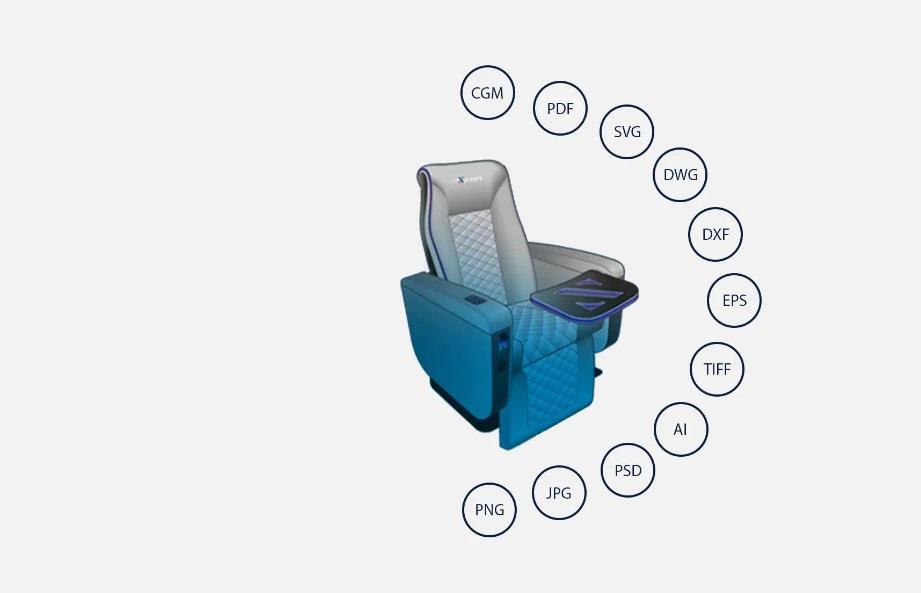
It allows you to work with different types of source files, including 2D and 3D files, photos, documents and data.
Comprehensive
You have all the tools you need to successfully master every aspect of technical document creation.
Collaboration
Collaborate with clients and with CorelDRAW. app and get real-time suggestions and feedback from one or more reviewers.You get a complete set for technical work
The complete suite for visual technical communication includes Corel DESIGNER for precise technical illustrations, CorelDRAW for outstanding marketing materials, Corel PHOTO-PAINT for photo editing,Corel CAPTURE for screen capture and CorelDRAW. app for efficient collaboration and online file sharing.
Rich technical tools are included
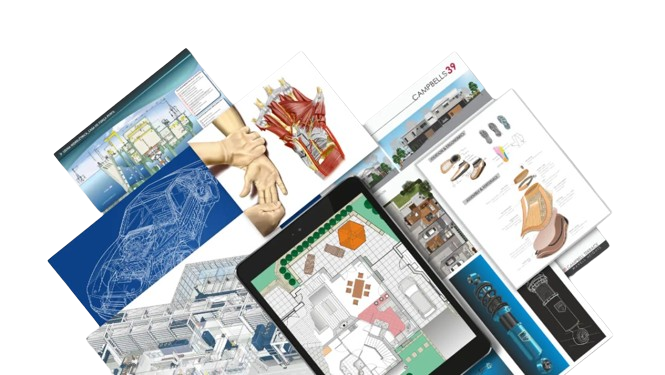
You'll get access to dedicated illustration and design tools that provide precision isometric drawing, detailed descriptions, advanced dimensioning and more. You'll find features and functions that allow technical illustrators, authors, and graphics users to create almost anything - from detailed schematics and floor plans to complex maintenance manuals and parts pages.

Seamlessly convert 3D design to illustration
Easily turn reworked 3D technical data into detailed technical illustrations. Take advantage of 3-Point Thread Creation, Remove Boundaries, or XVL Studio enhancements. There are many other enhancements for faster work,such as the Variable Outline tool, the Scale tool, CGM 4 workstation, projection tabs, projection shortcut and the reconfigured Projected Axes anchor panel.
Create unique spare parts pages
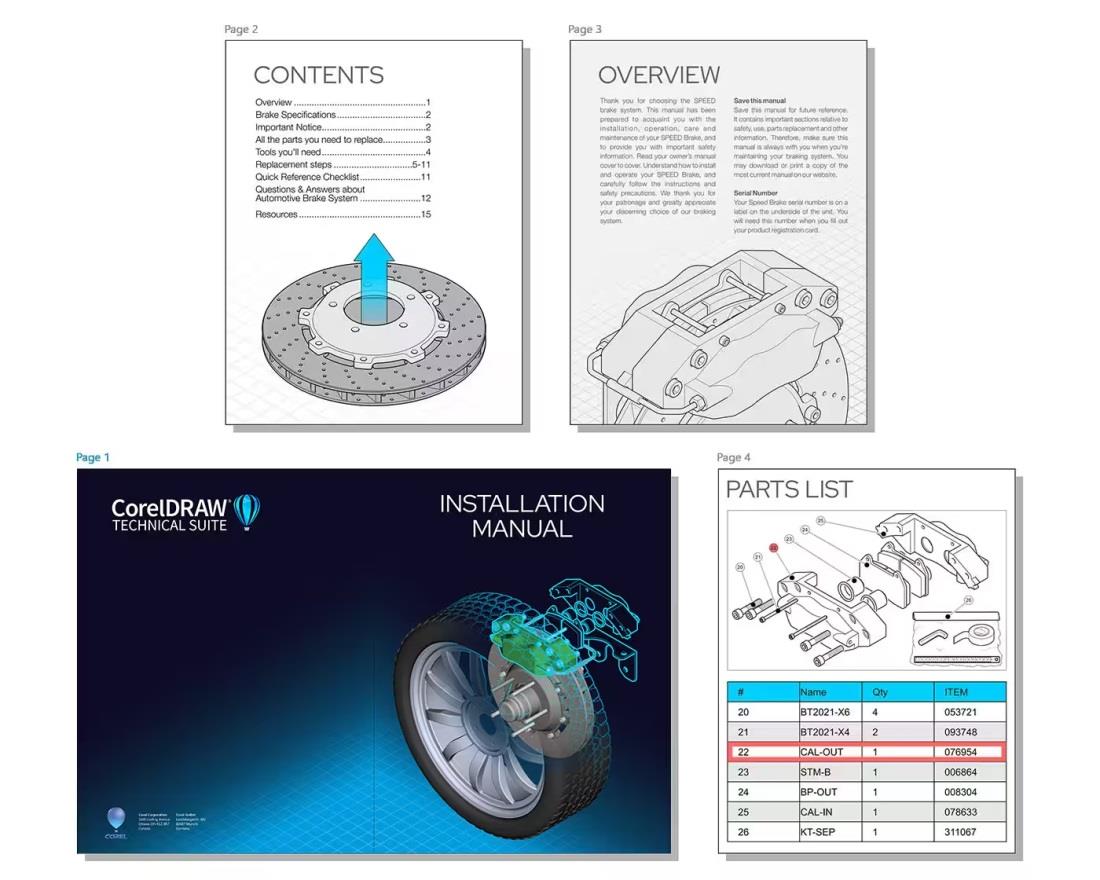
Create the perfect spare parts page with interactive SVG support. When you hover the mouse over an object, the necessary information is highlighted. Corel Designer allows you to import files. DES a. CDR into an anchor panel so you can create technical illustrations linked to specific information in tables. Everything is then easily exported online via an interactive SVG.
Work together
CorelDRAW Technical Suite 2024 allows you to stay connected with colleagues and collaborate remotely. Saved items can be viewed, edited and possibly approved by colleagues directly in your extension file. DES or. CDR.
Create marketing presentations
Optimize your technical designs for marketing purposes with a complete suite of specialized applications that allow you to extend the reach of your visual communications. With Draw in Perspective in Corel DESIGNER and CorelDRAW, you can add creative elements in 1-, 2- or 3-point perspective, while the multi-page view lets you conveniently view, manage and edit all your project's digital assets in one place. Thanks to the enhanced Corel PHOTO-PAINT environment, you get quick access to the most commonly used filters and the ability to apply important image adjustments with minimal destruction of the original quality thanks to the anchorable Adjustments panel.




Accuracy
Tools for axonometric drawing
Productivity
Hotspot options
Innovation
Thick and thin pen drawing
Compatibility
Publishing in 3D PDF
Technical specifications:
Specifications
Basic parameters
License type
Software type
License
Compatibility
Language version
| Code: | SWcts3c1 |
| Links: | Producer's Website: |