
AOMEI Backupper Professional (Electronic License)
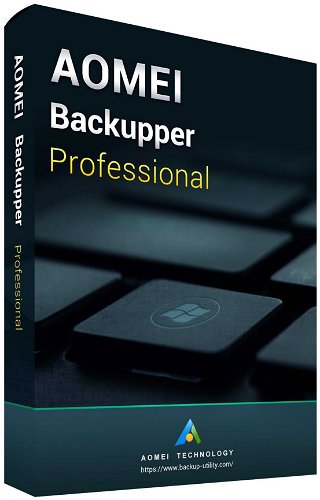

AOMEI Backupper Professional (Electronic License)
AOMEI Backupper Professional office software is used for data backup, disk cloning, and system recovery on computers running the Windows operating system. The backup software for home users creates exact copies of files, system partitions, or entire hard drives. The non-transferable licence is intended for one PC, and the licence key will be delivered via email. Users receive a perpetual licence for one personal computer device with no subscription time limit. Installation is done by downloading the software from the internet, and the program supports protecting data backups with the option to restore the installation.

Key Features of AOMEI Backupper Professional Office Software
- Designed for home use
- The licence allows you to protect your data
- Back up physical and virtual servers
- Option to back up disks or their partitions
- Back up data to the cloud, a flash drive, or an external drive
- Allows system recovery even to dissimilar hardware
- Clone from a large disk to a smaller one
Backup
The software performs backups of selected files, folders, or complete hard drives to various storage devices. Backing up multiple disks simultaneously helps prevent data loss in the event of hardware failure. Users can run the backup process manually or automatically according to a set schedule. The program saves data into compressed image files.
Precise Data Synchronisation
The tool offers several synchronisation modes to create identical copies of directories. The basic mode transfers data from the source to the destination, and real-time synchronisation instantly detects and copies changes. The mirror synchronisation feature deletes different files in the destination directory to make it an exact match of the source. The two-way option keeps the content identical in both folders.
Disk Cloning in the Office Software
The cloning feature makes it easy to replace an old or damaged disk with a new one without reinstalling the Windows operating system. Users can clone an entire hard drive, a system partition, or selected dynamic volumes. The process transfers all installed programs and user data to the new storage. The system works immediately after the cloning is complete.
System Restore
The software includes technology for restoring a system image to computers with different hardware configurations. The feature solves problems with starting Windows after replacing the motherboard or processor. Users can create WinPE-based bootable media to start the computer in case of an operating system crash. Recovery is performed directly from previously created backup files.
Efficient Management
The program offers advanced scheduling for daily, weekly, or monthly incremental and differential backups. Automatic cleanup removes old backup versions, saving free disk space. Users can encrypt and compress backup images or split them into smaller parts. Email notifications provide information about the status of completed tasks.
Additional Features
The software supports running specified scripts or programs before and after the backup process. Integrated tools are used to check the integrity of created disk images. Logs record detailed information about all performed operations and make it easier to check for errors. Users can add their own comments to individual tasks.
Specifications
Basic parameters
License
Compatibility
| Code: | SWLAO001 |
| Links: | Producer's Website: |